App Help Guide
Collection Services App Guide
Collection Schedule & Recycling Tools—All in One App
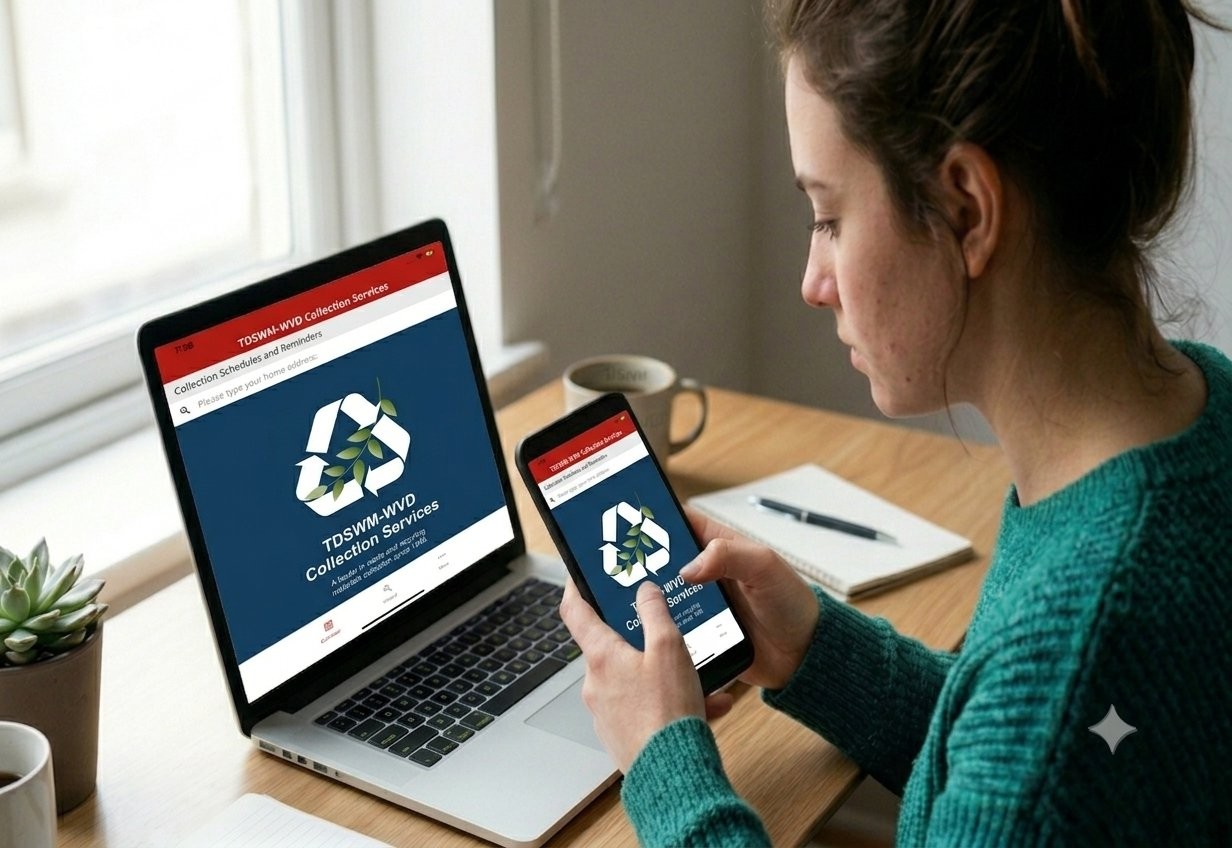
Use the TDSWM-WVD Collection Services app to view your pickup schedule, search the What Goes Where tool, and stay informed about your service.
Getting Connected is Easy
Getting started with the TDSWM-WVD Collection Services app is quick and easy. Simply download the app from the Apple App Store or Google Play, enter your service address, and confirm your location. Once set up, you can view your collection schedule, receive reminders, search the What Goes Where tool, and access helpful waste and recycling information anytime.
Available in English and Spanish.

What You Can Do in the App
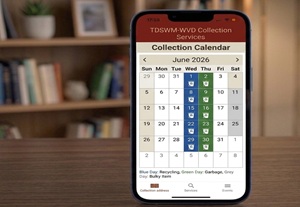
Check Your Collection Schedule
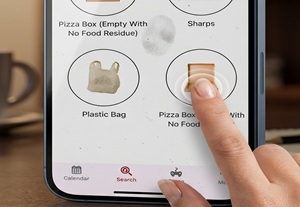
Search The Waste Wizard
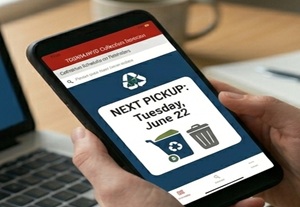
View Your Next Pickup Day
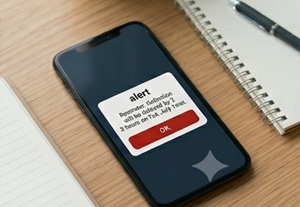
Reminders and Notifications
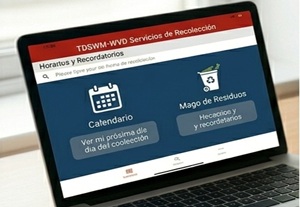
Use the App in Spanish
Setup Guide
How To Setup the App
Step 1 — Download the App
Download the TDSWM-WVD Collection Services app from the Apple App Store or Google Play.
Step 2 — Enter Your Address
Open the app and enter your service address to load your collection schedule and tools.
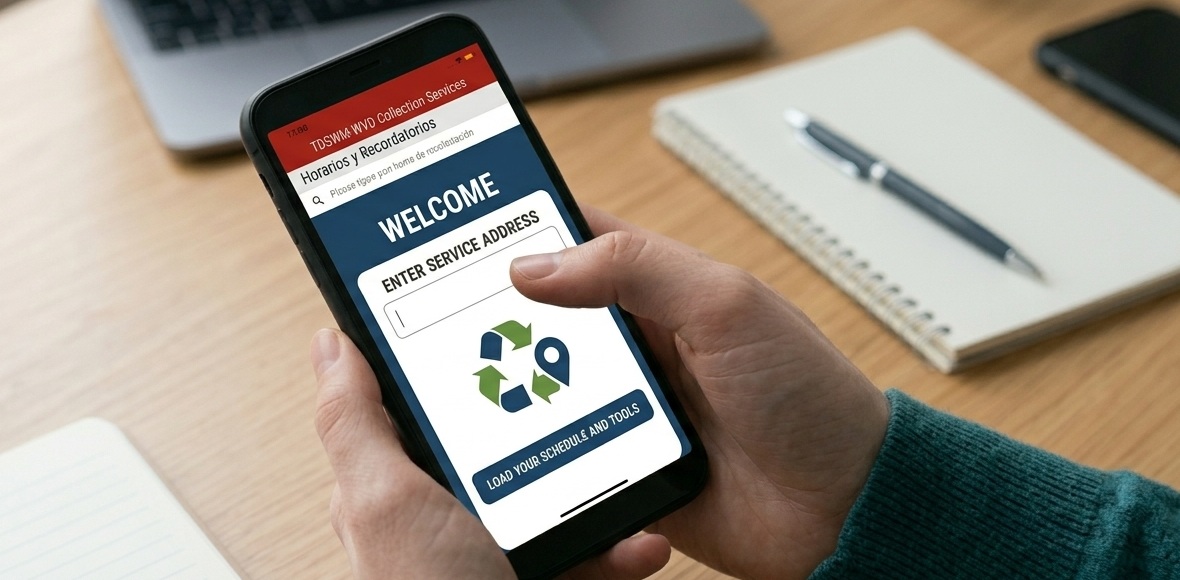
Step 3 — Confirm Your Address
Select the correct address so the app can display your local service information.
Step 4 — Start Using the App
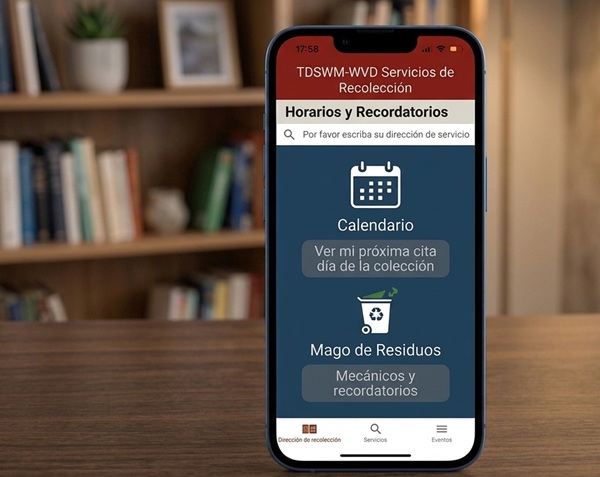
Use the Home screen, Calendar, and What Goes Where tool to find your collection schedule and disposal information.
Step 5 — Switch to Spanish (Español)
The app is available in Spanish. Select “Español” within the app to view screens and information in Spanish.
What You Can Do In The App
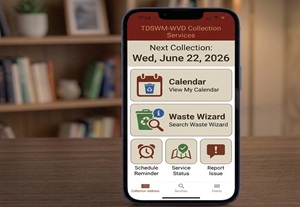
See Your Next Collection
The home screen shows your next collection date and provides quick access to the app’s main tools.
Tap into each section to view more details.
View Upcoming Collection Dates
Use the Calendar to view your next pickup day and future collection dates for garbage, organics, and recycling.
Tap into each section to view more details.
What Goes Where
Find Where an Item Goes.
Enter an item to find out how to properly dispose of it based on your location.
Result
The app provides clear instructions on whether the item belongs in garbage, recycling, or organics.
Special Note: Plastic bags are not allowed in recycling containers.

Recycling Game
The app includes a sorting game to help users learn proper recycling practices.
Need Help Using the App?
If you need help setting up the app or finding your collection information, our team is here to help.